
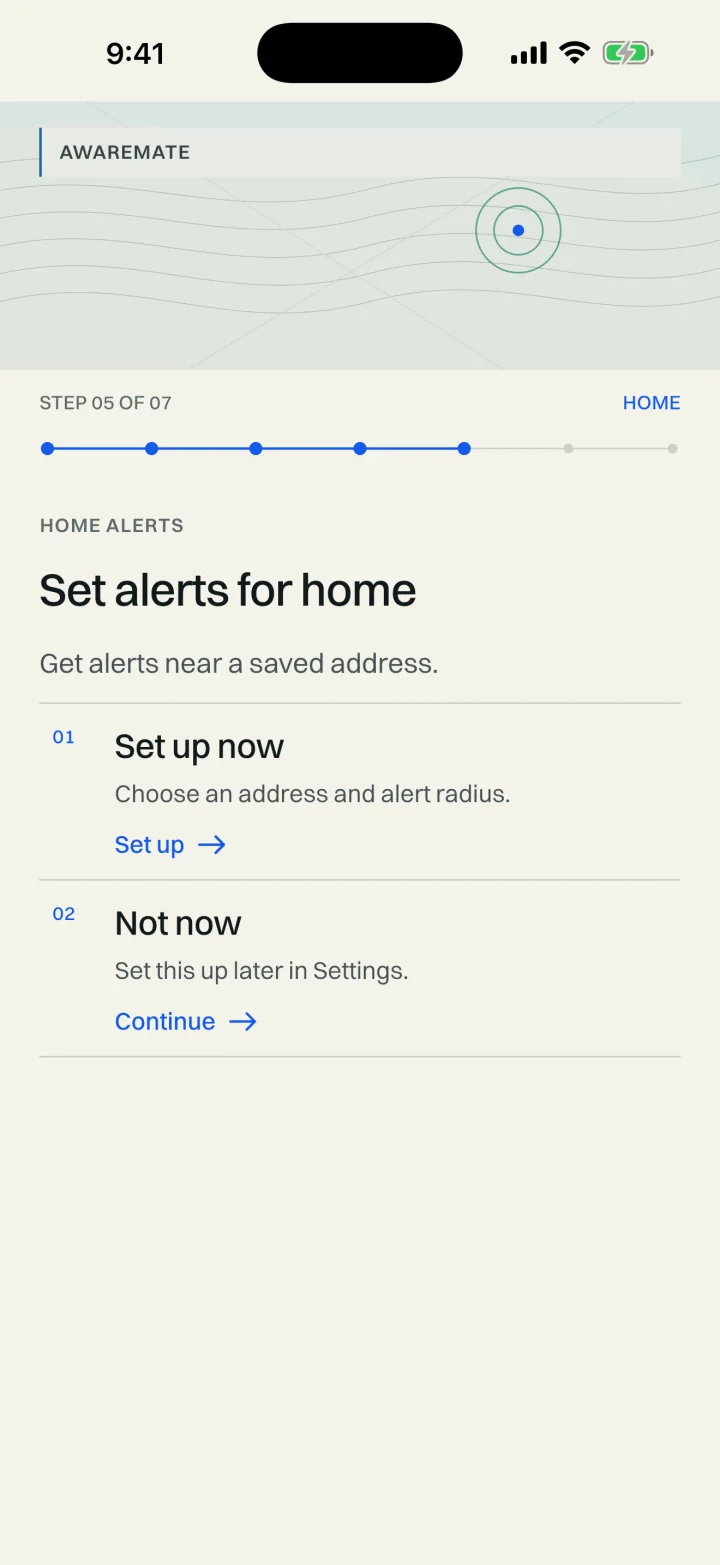
Keep watch over home—even while you’re away.

Sign in and save one home area for supported alerts. Choose an alert radius, control notification permissions on your device and change the saved area when your needs change.

Coverage and update frequency vary by location, provider and feature.

Awaremate onboarding screen for setting alerts around home

One saved home area is included

Most map browsing does not require an account. Sign in when you want to save a home area and use supported home alerts where enabled.

Location and notifications are optional. You can enter a home address rather than giving the app continuous access to your device location. Notification permission remains under your control in Awaremate and your device settings.

  • One saved home area included
  • Choose an alert radius
  • Supported alert types vary by location and source
  • Change or disable the area at any time
  • Optional AwarePlus+ device-location alerts
01

Home alerts and device-location alerts are different

Home alerts relate to the saved area you choose. AwarePlus+ can add alerts that follow your device, a live lightning layer, community alert options and an ad-free experience.

Background location is requested only if you turn on device-location alerts. Turning off that feature does not require you to stop using the core map.

02

Alerts are a prompt to check—not an emergency guarantee

Supported alerts depend on source coverage, delivery systems, permissions and device conditions. They can be delayed, incomplete or unavailable. Always follow official emergency-service advice and do not rely on Awaremate as your only warning channel.

Questions, answered.

Are home alerts free?
One saved home area is included for supported alerts where enabled.
Does a home alert require background location?
No. You can save a home area. Background location is requested only if you turn on AwarePlus+ device-location alerts.
Can I change the saved home area?
Yes. You can change or disable the saved area in Awaremate.

See what’s happening around you in Awaremate.

Download the app, choose the map layers that matter to you and set optional alerts for locations you care about.